
A printed assembly needs one STL per part, named so the print operator knows which is which, and a scan-comparison or viewer job wants the whole thing as one mesh. PDMPublisher does both in one run, in SOLIDWORKS or as a PDM Professional task.
Quick answer
- Open the assembly, tick STL (stl) under File formats on the PDMPublisher tab, set a filename such as
(FileNameWithoutExtension)-(Revision), select Publish. - Tick Export references to file formats individually to also get one file per part and sub-assembly.
- STL needs Premium in the add-in (the free Community Edition does PDF, DXF and STEP). The PDM task includes every format.
In SOLIDWORKS: step by step
- Open the top-level assembly (in a vault, Get Latest first so references resolve).
- On the PDMPublisher tab, select Settings > Publish.
- Set Export location and Filename, for example
(FileNameWithoutExtension)-(Revision). The.stlextension is added for you. - Under File formats, tick STL (stl). Tick 3MF too if the printer software prefers units in the file.
- Leave Export references to file formats individually off for one file of the whole assembly, or tick it for one per part and sub-assembly too.
- For every configuration, tick Convert multiple configurations with
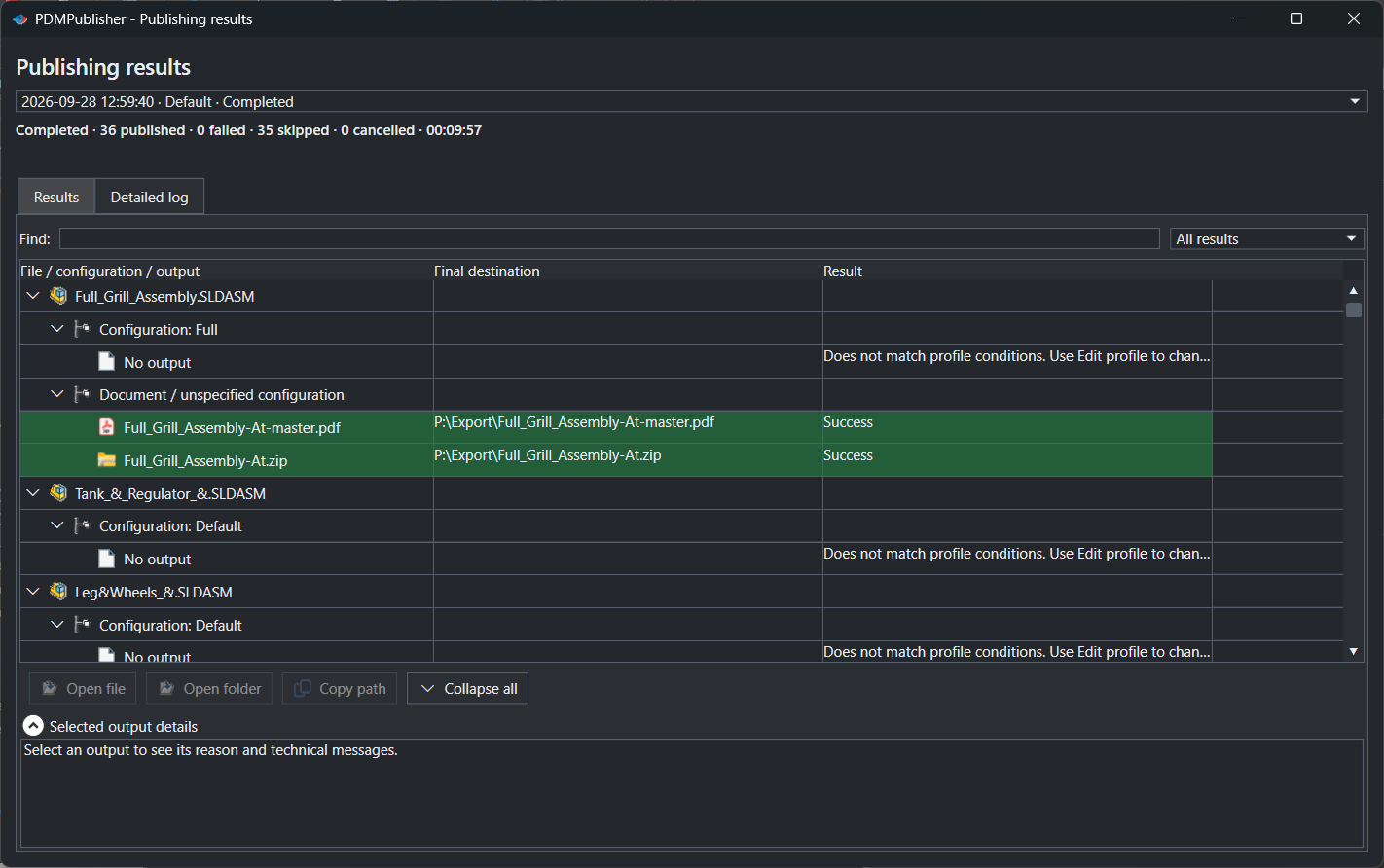
(ConfigurationName)in the filename; exclude*Flat*in the Configuration Filter. - Select PDMPublisher > Publish, confirm the review dialog, and check Publishing results.
As a PDM task: on every release
PDMPublisher for PDM Professional runs the same engine as a task, so the export happens when the file changes state, not when somebody remembers.
- In PDM Administration, right-click Tasks > New Task, choose PDMPublisher, name it and tick the task hosts.
- On the Options page set Export Location, for example
(VaultRootFolder)\Exports\STL(no trailing backslash), and the Filename. - Tick STL (stl) under File Formats. Keep Export affected document on so the assembly itself is exported.
- For the components too, set Template to a PDM BOM layout (name, configuration and quantity columns) and enable Export references to file formats individually.
- For release workflows, enable Get latest revision only, then attach the task to a workflow transition.
Settings that matter
| Setting | What to put | Why |
|---|---|---|
| Export references individually | On for one file per component | Beside the top-level file; in the task this needs a BOM Template. |
| Filename | (FileNameWithoutExtension)-(Revision) | Conveyor-B cannot be confused with Conveyor-C. |
| Convert multiple configurations | On, with (ConfigurationName) in the filename | Every assembly configuration, not just the active one. |
| STL resolution | Set in SOLIDWORKS, Tools > Options > Export > STL | Coarse, fine or custom deviation; PDMPublisher does not override it. |
| Export location | (VaultRootFolder)\Exports\STL, no trailing backslash | Created if missing; you need add and edit permission there. |
Naming examples
(FileNameWithoutExtension)-(Revision)givesConveyor-B.stl.(FileNameWithoutExtension)-(ConfigurationName)givesConveyor-Short.stlandConveyor-Long.stl.(VaultRootFolder)\Customer Packages\($ProjectNumber)\(TargetExtension)in the task files each format in its own subfolder per project.
If something looks wrong
- The mesh is too coarse: change the STL resolution in SOLIDWORKS where the job runs, then publish again.
- Only the top-level file came out: Export references to file formats individually is off (in the task, the BOM Template is missing).
- Components are missing: the job needs local copies of every reference. Get Latest first. Suppressed, virtual and excluded-from-BOM components are skipped on purpose.
- STL is missing from the results: the add-in is running as Community Edition. Activate a Premium key under PDMPublisher > License Key, or use the PDM task.
- Nothing in the folder: you need add and edit permission in the export location. Target a subfolder, not the vault root.
Keep going
Documentation
Frequently asked questions
How do I export every part of a SOLIDWORKS assembly to STL at once?
Tick STL under File formats and enable Export references to file formats individually. Each part and sub-assembly becomes its own STL beside the assembly STL.
Does PDMPublisher export a single STL for the whole assembly?
Yes. Leave Export references to file formats individually off and you get one STL of the top-level assembly.
Where do I set STL resolution or binary versus ASCII?
In SOLIDWORKS export options on the computer running the job. PDMPublisher has no STL sub-options and applies the current SOLIDWORKS settings.
Can a PDM task produce STL files when an assembly is released?
Yes. Create a task with STL ticked, a BOM Template and Export references to file formats individually for the parts, and attach it to the release transition.