
The SOLIDWORKS PDM Convert task ships with every vault and turns a drawing into a PDF on a workflow transition, which is enough for teams that need one file per release; PDMPublisher for PDM Professional is a licensed task with a full publishing engine behind it, for teams whose release output is a package of formats, folders, merged PDFs and stamped pages. Verdict: PDMPublisher for release publishing on PDM Professional; the Convert task when you are on PDM Standard or only need a PDF next to the drawing.
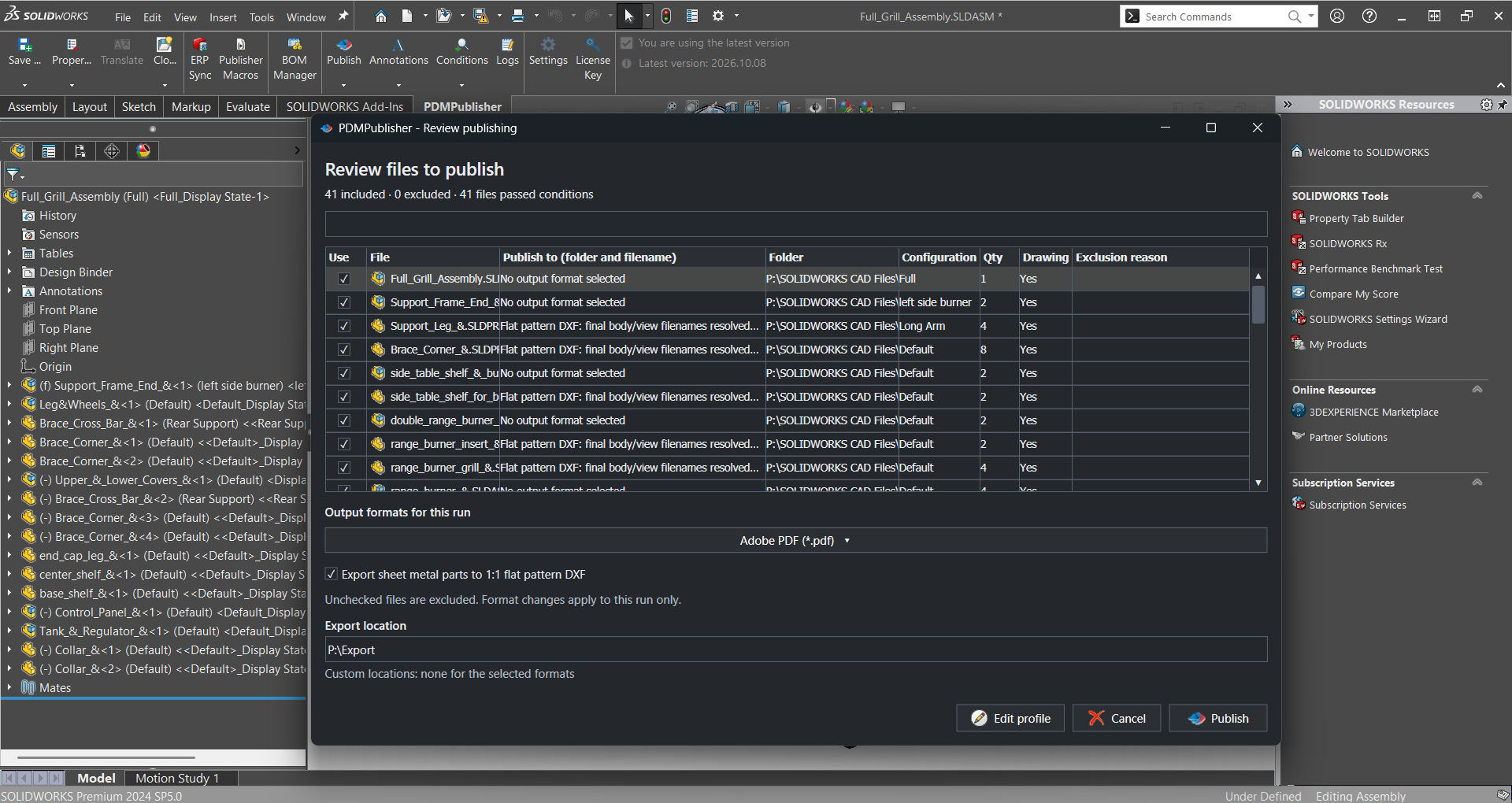
At a glance
Both are SOLIDWORKS PDM tasks configured in the Administration tool and fired from a transition. Convert task facts come from reseller posts by GoEngineer, Javelin and CATI; the table leads with what PDMPublisher documents and the Convert task does not, then the shared ground, then the rows where the built-in task wins.
| Capability | PDMPublisher | PDM Convert task |
|---|---|---|
| Export formats | ✓ 26 formats, several per task | ◐ PDF on Standard; more on Professional |
| Word and Excel to PDF | ✓ Same task and selector | ◐ Separate Office to PDF task |
| Output path with placeholders | ✓ State, revision, UNC, per-format | ◐ Source folder or vault root |
| Merged PDF with TOC and bookmarks | ✓ Assembly runs | ✗ Not documented |
| Annotations and watermarks | ✓ PDM variables, watermark mode | ✗ Not documented |
| Conditional processing | ✓ Variables, state, filename | ✗ Not documented |
| Per-configuration and per-sheet export | ✓ Filters and sheet name pattern | ✗ Not documented |
| Assembly references | ✓ Exported individually, BOM template | ◐ Version of referenced files only |
| Scheduled PDM runs | ✓ Scheduled Items page | ✗ Not documented |
| Logging | ✓ Vault logs, Task Details tab | ◐ Error log, notifications |
| Workflow transition trigger | ✓ | ✓ |
| Variables mapped to the output card | ✓ Map Variables option | ✓ File Card tab |
| Included with PDM | ✗ Licensed per vault | ✓ Ships with the vault |
| Runs on PDM Standard | ✗ Professional 2018 or later | ✓ PDF only, settings locked |
Competitor information from GoEngineer, Javelin and CATI documentation as of September 2026; check their sites and the SOLIDWORKS PDM help for current details.
Why teams pick PDMPublisher
PDMPublisher starts where the Convert task stops: the output path. Export Location resolves (TopAssemblyFolder)\Exports\(State)\(Revision) per file, Customize Location sends PDFs to one folder and DXFs to another, and the rest of the release package is a set of checkboxes rather than a script edit.
- 26 formats in one task: PDF, 3D PDF, STEP, IGES, Parasolid, STL, 3MF, IFC, DWG, DXF, eDrawings, images and Word or Excel to PDF, from one transition.
- Paths follow the release: placeholders for folder, state, revision and PDM variables, vault, UNC or external paths, with per-format locations.
- Release-ready PDFs: merged master PDF with table of contents and bookmarks, annotations from PDM variables, and a rotated semi-transparent watermark for the state.
- Conditions decide what publishes: only references whose variables, state or filename match qualify, so unreleased components never leak into a supplier package.
- Configurations and sheets: Convert multiple configurations with an include/exclude filter, and Sheets to export with a sheet name pattern.
- Traceability: variables mapped to the output card, a reference from output back to source, Get latest revision only, vault logs and a Task Details tab of every checked-in file.
Where the PDM Convert task has the edge
The Convert task is already in the vault, and for a single PDF per released drawing it is hard to argue with.
- Free and supported: included with PDM, imported from the Default Data folder if missing, and documented by your reseller (Javelin PDF Convert post).
- Runs on PDM Standard: GoEngineer documents adding it to a Standard vault, limited to PDF with most settings locked; PDMPublisher needs Professional.
- Office documents via a sibling task: the Office to PDF task converts Word, Excel and PowerPoint with Office 2010 or newer on the task host (Javelin, GoEngineer).
- Scriptable output paths: CATI shows parallel output folders by copying the task and editing its script (CATI post), an option for admins who prefer code.
Competitor information from GoEngineer, Javelin and CATI documentation as of September 2026; check their sites for current details.
Pricing and editions
The Convert task costs nothing beyond the PDM license. PDMPublisher for PDM Professional is licensed per vault for a duration, with a free 7-day trial; the separate SOLIDWORKS add-in has a free Community Edition. Details on pdmpublisher.com.
| Edition | PDMPublisher | PDM Convert task |
|---|---|---|
| PDM task | ✓ Licensed per vault, 7-day trial | ✓ Included with PDM |
| PDM Standard | ✗ Not supported | ✓ PDF only |
| Free desktop edition | ✓ Add-in Community: PDF, DXF, STEP; 5 references per run; never expires | ✗ Task only |
| Paid desktop | Add-in Premium, licensed per computer | Not applicable |
Bottom line
For release publishing on PDM Professional, PDMPublisher is the better fit: every drawing of an approved assembly as PDF, merged with a table of contents, watermarked with the state, STEP files in their own folder, variables mapped across and every output logged, all from task settings an administrator can maintain. Choose the Convert task when you are on PDM Standard, or when one PDF next to the released drawing is the whole requirement and you would rather not add a license.
Try it
Trial the task on a test vault before attaching it to a release transition.
- Start the 7-day PDMPublisher for PDM Professional task trial: bluebyte.biz/product/pdmpublisher-trial.
- Download the free PDMPublisher for SOLIDWORKS add-in (Community Edition, no license needed): bluebyte.biz download.
- Remove the Community limits with Premium: pdmpublisher.com/getpremium.
Availability
Available in PDMPublisher for PDM Professional, the task add-in configured in the PDM Administration tool. This comparison is about the PDMPublisher task for SOLIDWORKS PDM Professional. The separate PDMPublisher for SOLIDWORKS add-in shares the same engine but runs inside SOLIDWORKS, not as a PDM task.
Documentation and related features
- PDM task vs SOLIDWORKS add-in
- Set up your first PDMPublisher task
- Run as a SOLIDWORKS PDM task
- SOLIDWORKS PDM integration
- Merge multiple drawings into one PDF
- Watermark your PDFs
- Conditional assembly processing
- DOCX and XLSX to PDF as a PDM task
- Batch SLDDRW to PDF
- SLDASM to STEP
- PDMPublisher for PDM Professional
Frequently asked questions
Does the SOLIDWORKS PDM Convert task work on PDM Standard?
Yes. GoEngineer documents adding it to a Standard vault, limited to PDF with most settings locked; PDMPublisher requires PDM Professional 2018 or later.
Can the PDM Convert task export STEP or DWG?
On PDM Professional, per GoEngineer and Javelin, it can output SOLIDWORKS export types such as STEP, IGES, Parasolid and DWG; on Standard it is PDF only. PDMPublisher writes several of its 26 formats in one task run.
Can the Convert task merge PDFs or add a watermark?
None of the reseller posts we read document merging, tables of contents, bookmarks or watermarks. PDMPublisher has all four built in, with annotations driven by PDM variables.
How do I change the Convert task output folder?
CATI describes the source folder or a vault-root path out of the box, and a workaround that copies the task and edits its script. PDMPublisher builds the path from placeholders such as (TopAssemblyFolder), (State) and (Revision), with per-format locations.