
When a file reaches Released, every format the company needs should exist a minute later, named by revision, in the right folder, without anyone at the keyboard. PDMPublisher for PDM Professional does that as a task on the workflow transition: PDF for drawings, STEP, DXF, eDrawings or any other format for models, Office documents to PDF, all in one pass.
Quick answer
- Create a PDMPublisher task in PDM Administration, tick every format the release needs under File Formats, enable Get latest revision only, and add the task to the release transition.
- Formats that do not apply to a file type are dropped automatically, so one task covers drawings, models and documents.
- Test the same settings in the SOLIDWORKS add-in first; the task uses the same engine.
Set up the task: step by step
Everything below is done once in the SOLIDWORKS PDM Administration tool. From then on, the vault does the publishing.
- In PDM Administration, right-click Tasks > New Task, choose PDMPublisher, name it and tick the task hosts under Execution Method.
- On the Options page set Export Location, for example
(VaultRootFolder)\Released\(TargetExtension)\($ProjectNumber)(no trailing backslash), and Filename, for example(FileNameWithoutExtension)-(Revision). - Under File Formats, tick every format the release needs: Adobe PDF, STEP, DXF, eDrawings and so on. Keep Export affected document on.
- For assemblies that should export their components, set Template to a PDM BOM layout and enable Export references to file formats individually. Add Conditions on PDM variables to skip purchased parts.
- Enable Get latest revision only, so the task exports the version tied to the newest revision rather than work in progress.
- Enable Vault Activity Logs with a Log Folder such as
(VaultRootFolder)\Logs\PDMPublisher, pick Use this version of SOLIDWORKS, then add the task to the release transition. Hide Task in File Explorer stops people launching it by hand.
Settings that matter
| Setting | What to put | Why |
|---|---|---|
| File Formats | Every format the release needs | One pass, one task; invalid formats per file type are dropped. |
| Get latest revision only | On | The released version is exported, never work in progress. A file without a revision fails on purpose. |
| Export references individually | On, with a BOM Template | Assemblies export their components too. |
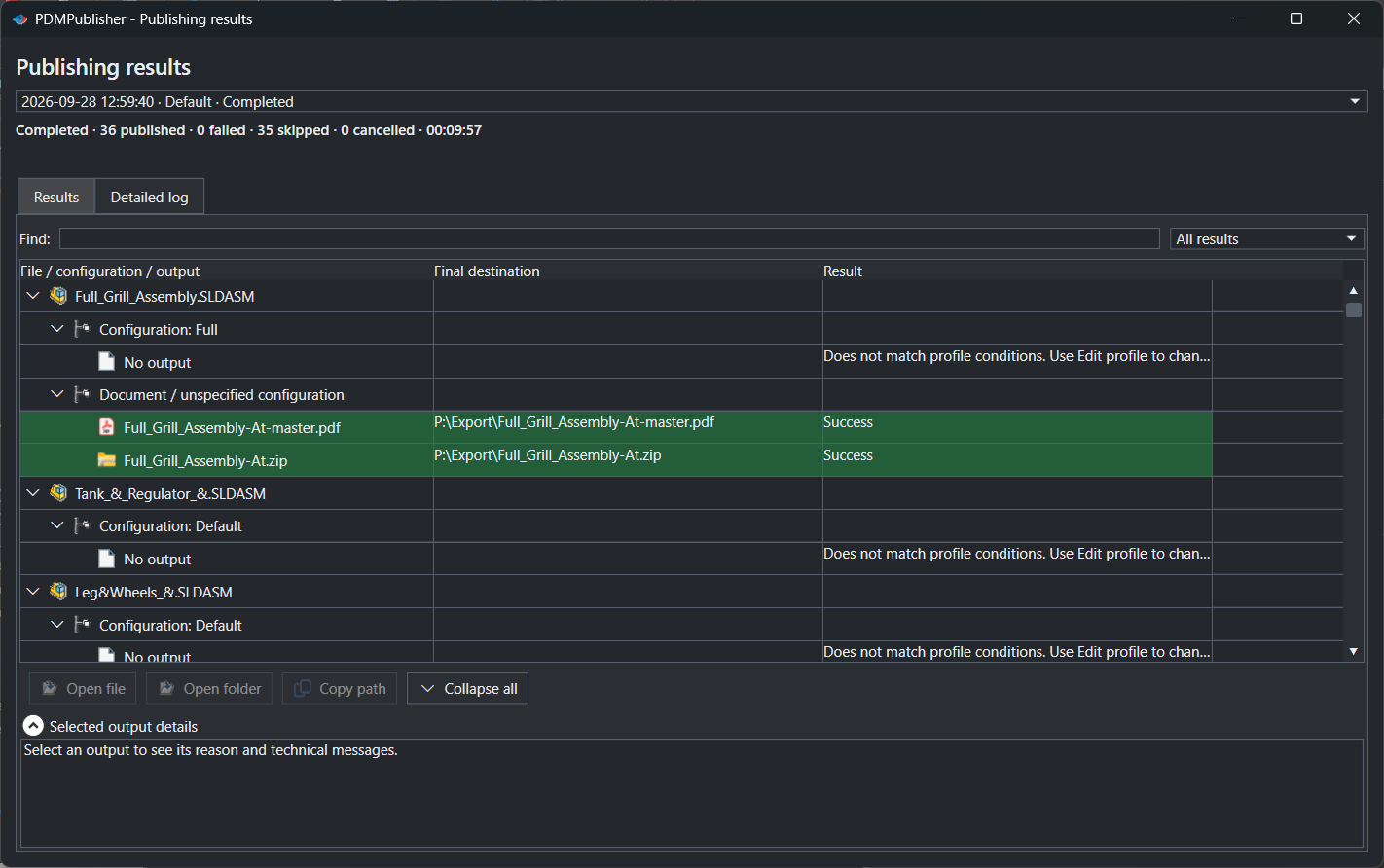
| Vault Activity Logs | On, in a vault folder the task host can write to | Task Details lists every file checked in. |
Naming examples
(VaultRootFolder)\Released\(TargetExtension)\($ProjectNumber)gives a pdf, step and dxf subfolder per project.(FileNameWithoutExtension)-(Revision)givesBracket-B.pdfandBracket-B.stepside by side.($PartNumber)_Rev($Revision)names outputs by PDM part number.
If something looks wrong
- The task failed with Get latest revision only: the file has no recorded PDM revision. Revise it, or run the transition on files that have one.
- A format is missing for some files: it does not apply to that file type, or the SOLIDWORKS version on the task host does not support it.
- Nothing in the folder: the task host needs add and edit permission in the export location. Target a subfolder, not the vault root.
- Components were skipped: check the BOM Template columns; suppressed, virtual and excluded-from-BOM components are ignored.
Keep going
Documentation
Frequently asked questions
How do I convert SOLIDWORKS files to PDF and STEP automatically when they are released in PDM?
Create a PDMPublisher task with Adobe PDF and STEP ticked, a location and filename pattern, and Get latest revision only on. Add it to the release transition.
Which version of the file does the task export?
With Get latest revision only, the version tied to the newest recorded revision and its saved references. Otherwise the checked-in version, or the latest with Work with latest version.
Can one task handle drawings, parts, assemblies and Word documents?
Yes. Formats that don’t apply to a file’s type are dropped, so one task with several formats ticked exports each file by its type.
How do I see what the task produced?
Enable Vault Activity Logs and a Log Folder. Task Details then lists every output checked in; Open Log File shows the full log.