
Split Bodies
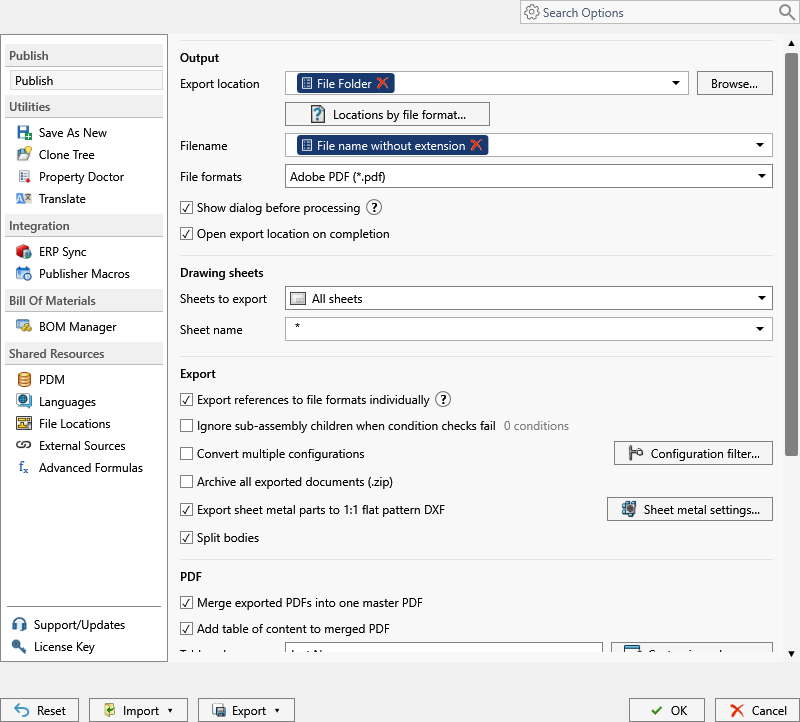
Exports bodies from a multi-body part into separate files. The body name is appended to the generated filename.
Note
This setting is available in both the PDM task and SOLIDWORKS add-in.
Choose how bodies are grouped
When Split Bodies is enabled, select Cut-list item grouping... on the Publish page.
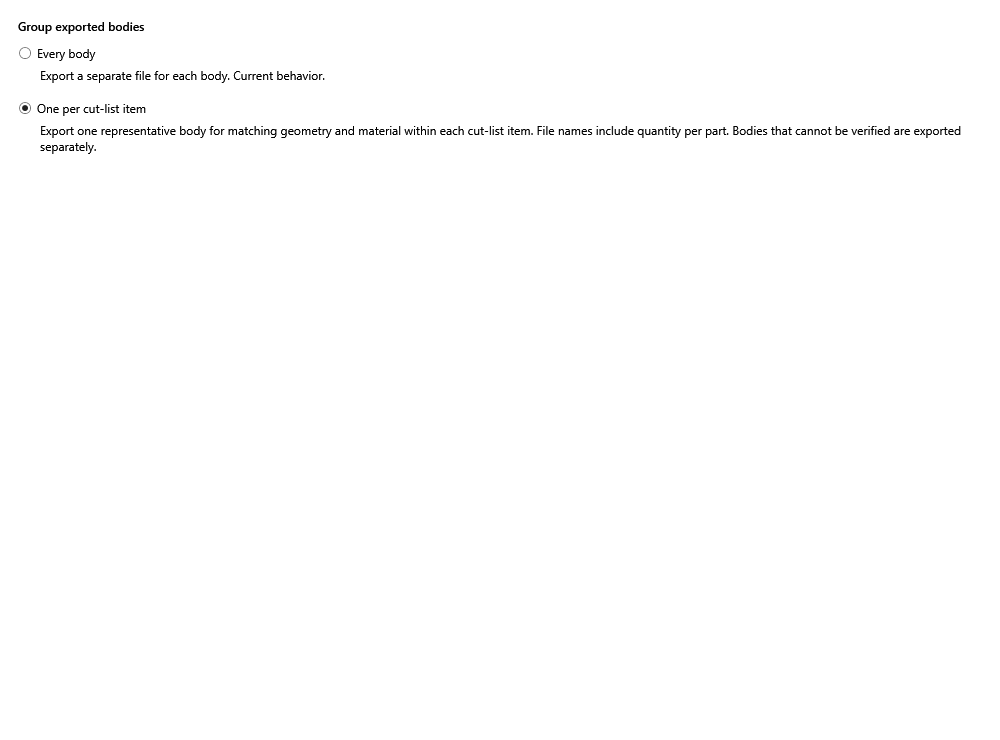
- Every body exports a separate file for every body and appends the body name to the filename.
- One per cut-list item exports one representative body for bodies with matching geometry and material in the same cut-list item. The filename includes the quantity per part. A body that cannot be verified against its group is exported separately.
The grouping choice is stored with the task and is included when task settings are imported, exported, or shared by PIN. Existing tasks continue to use Every body until the setting is changed.
Important
This does not apply to sheet-metal flat-pattern exports. In the SOLIDWORKS add-in, enable Export Sheet Metal Parts to 1:1 Flat Pattern DXF, then select Export each sheet-metal body to a separate DXF under Flat Pattern Settings. Split Bodies is not required for that workflow.